Deploy ASP.NET Core to Google Cloud
Free forever: 1 e2-micro VM (1 GB), plus $300 in credit for 90 days.
Google Cloud gives every account one small e2-micro instance for free, forever, in a handful of
US regions — on top of a $300 / 90-day trial credit you can use for a larger box while you’re
testing. DotDeployer connects to Google Cloud with a service account key, the same way any other
tool authenticates to GCP’s Compute Engine API.
1. What you need
- A Google account.
- A Google Cloud project with the Compute Engine API enabled.
- A service account JSON key with permission to manage Compute Engine instances.
- A DotDeployer account.
2. Create the account and the API credential
- Go to console.cloud.google.com/freetrial and sign in. Choose account type Business, add a card (only a small temporary hold, not a charge) and start the free trial — you get $300 of credit for 90 days, and quota-increase requests are blocked in trial mode, which is fine for a single small VM.
- Create a new project from the project picker at the top of the console.
- Open APIs & Services → Library, search for Compute Engine API, and enable it for the project.
- Open IAM & Admin → Service Accounts → Create service account, give it a name, and grant it the Compute Admin role.
- Click the new service account, open the Keys tab, choose Add key → Create new key → JSON, and download it. This file is what you paste into DotDeployer in the next step — delete it from your downloads afterward.
3. Connect it in DotDeployer
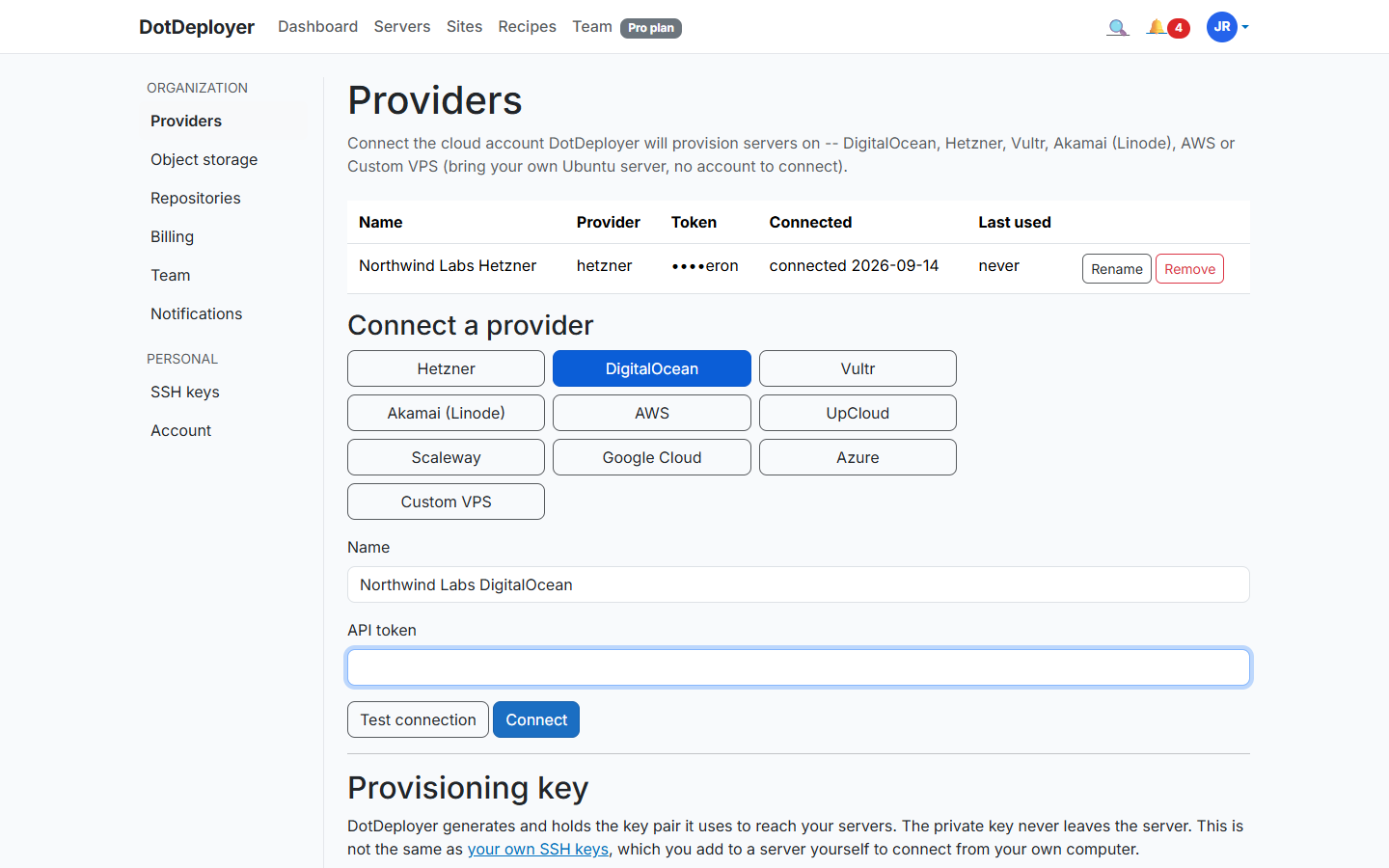
- In DotDeployer, go to Settings → Providers → Connect a provider → Google Cloud.
- Give the credential a name, paste in the full contents of the service account JSON file, and
set the zone — the always-free
e2-microis only available inus-west1,us-central1andus-east1. - Click Test connection, then Connect. DotDeployer encrypts the key at rest and only ever calls the Compute Engine endpoints it needs.
4. Create the server
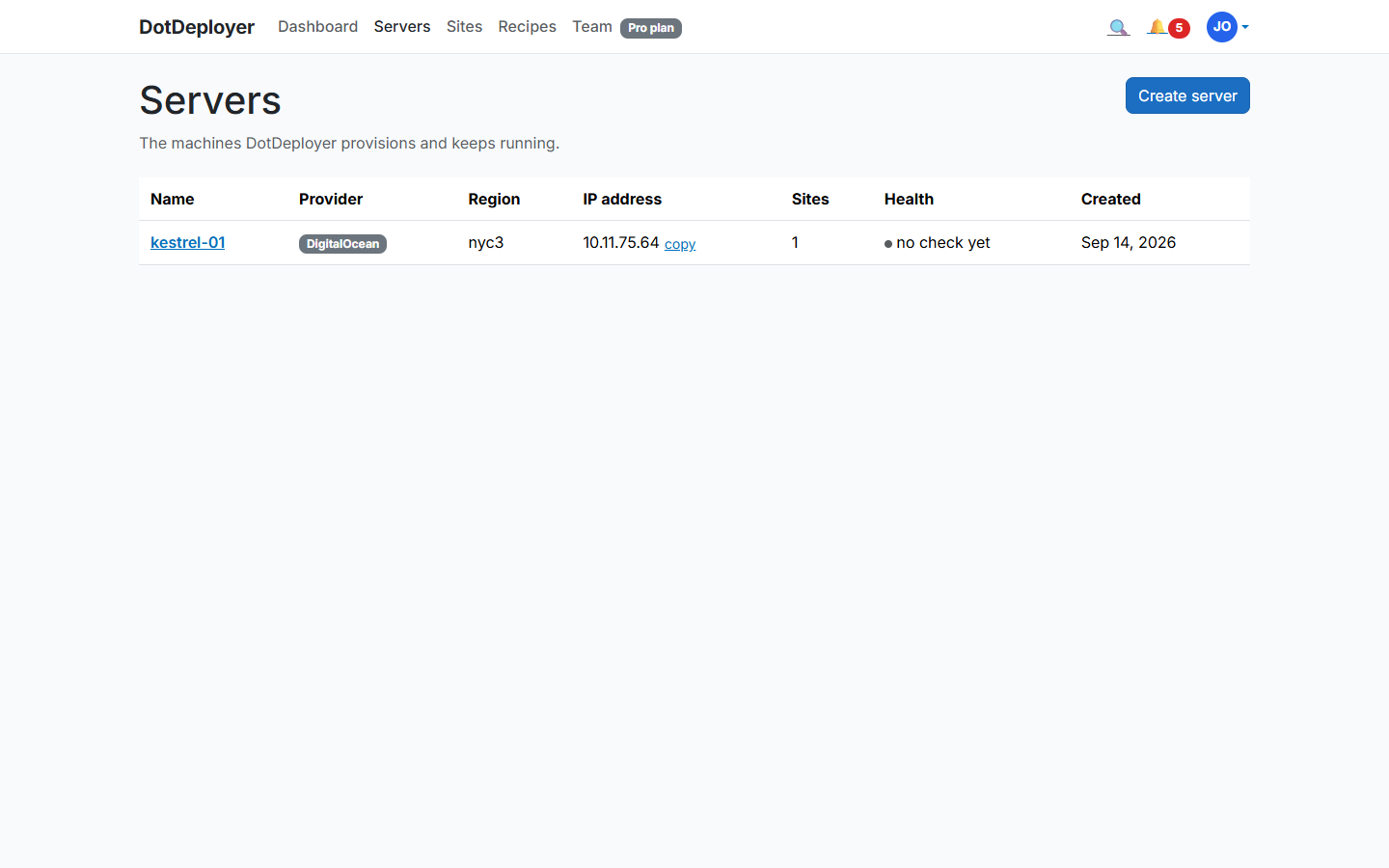
- From Servers → Create server, pick Google Cloud, choose the zone that matches your
credential, and select an
e2-micro(free) or a largere2-smallif you’re using the trial credit for something heavier. - DotDeployer provisions the instance and bootstraps it — firewall rules, unattended security updates, the ASP.NET Core runtime, nginx — and the server shows Active once it’s ready.
5. Add a site and deploy from GitHub
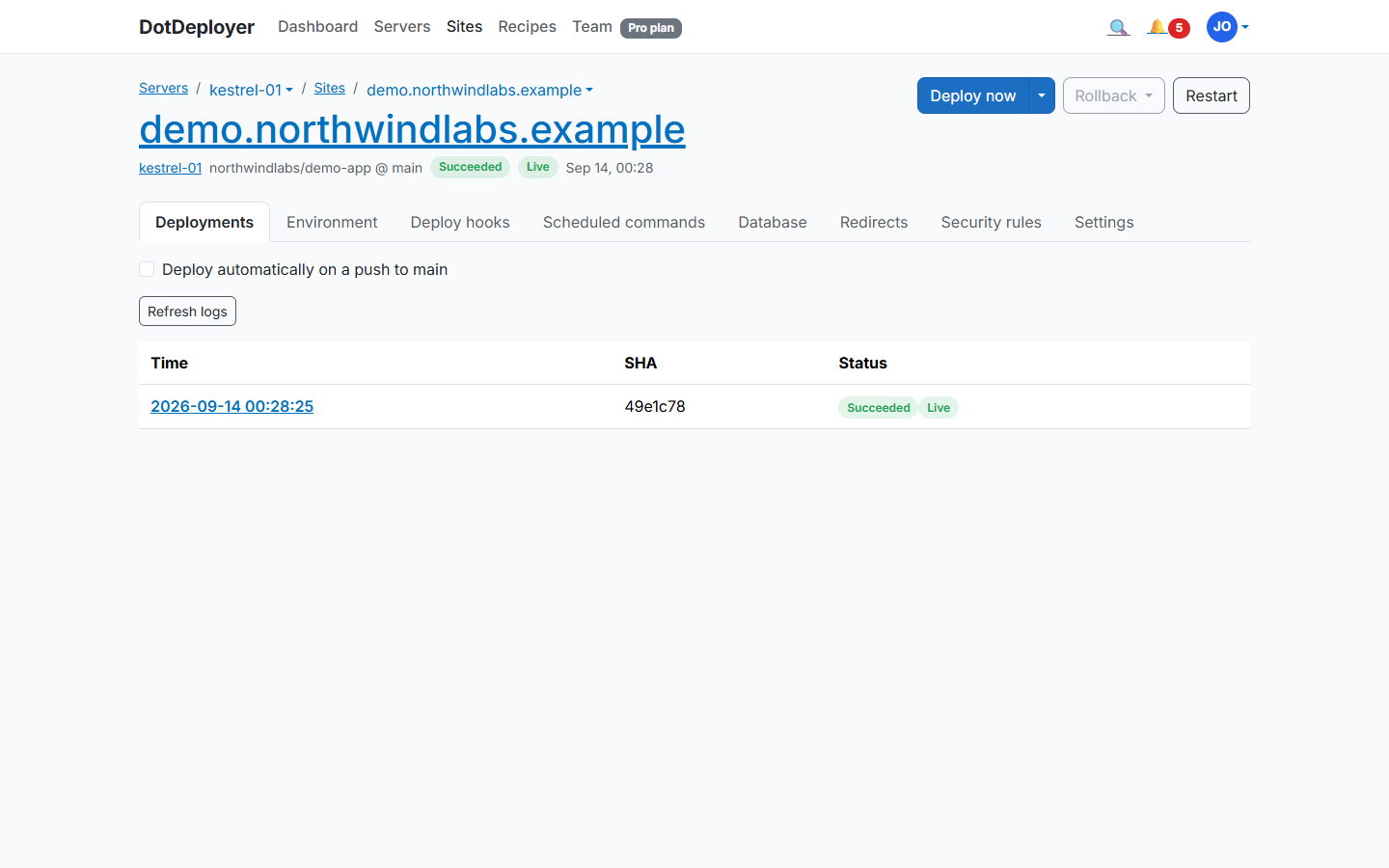
- From the server, click Add site and connect the GitHub repository you want to deploy.
- DotDeployer publishes your app on the instance, sets it up behind nginx as a systemd service, and streams the deployment log as it runs.
- Future pushes to that branch deploy automatically; DotDeployer keeps the last five releases so you can roll back instantly.
6. Database and environment variables
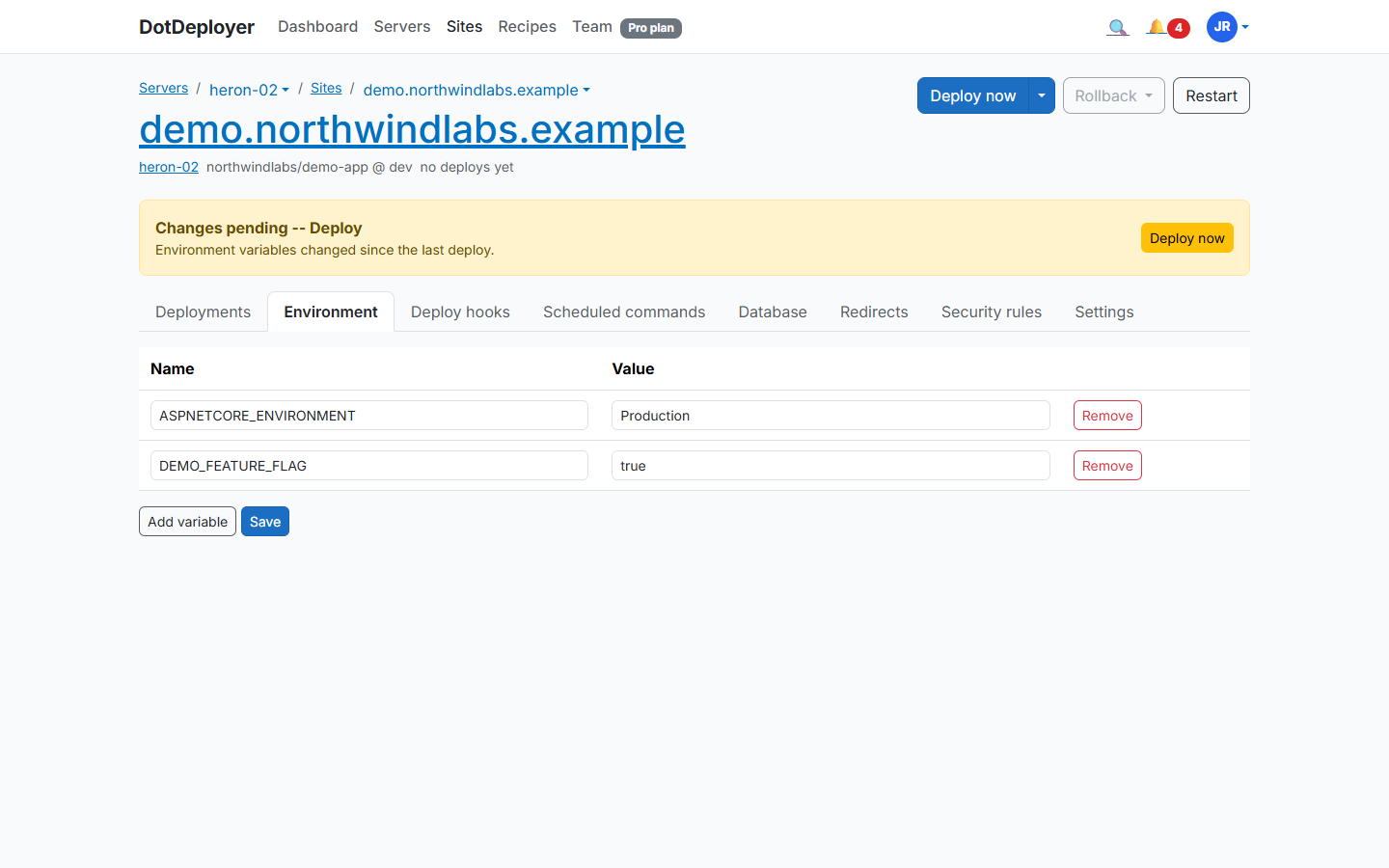
Install PostgreSQL or SQL Server on the same instance from the site’s Database tab — the
database port is never opened to the internet, you reach it from your laptop through an SSH
tunnel. Add your connection string and any other configuration under Environment variables;
it’s encrypted at rest and delivered to the server as a systemd EnvironmentFile.
7. HTTPS
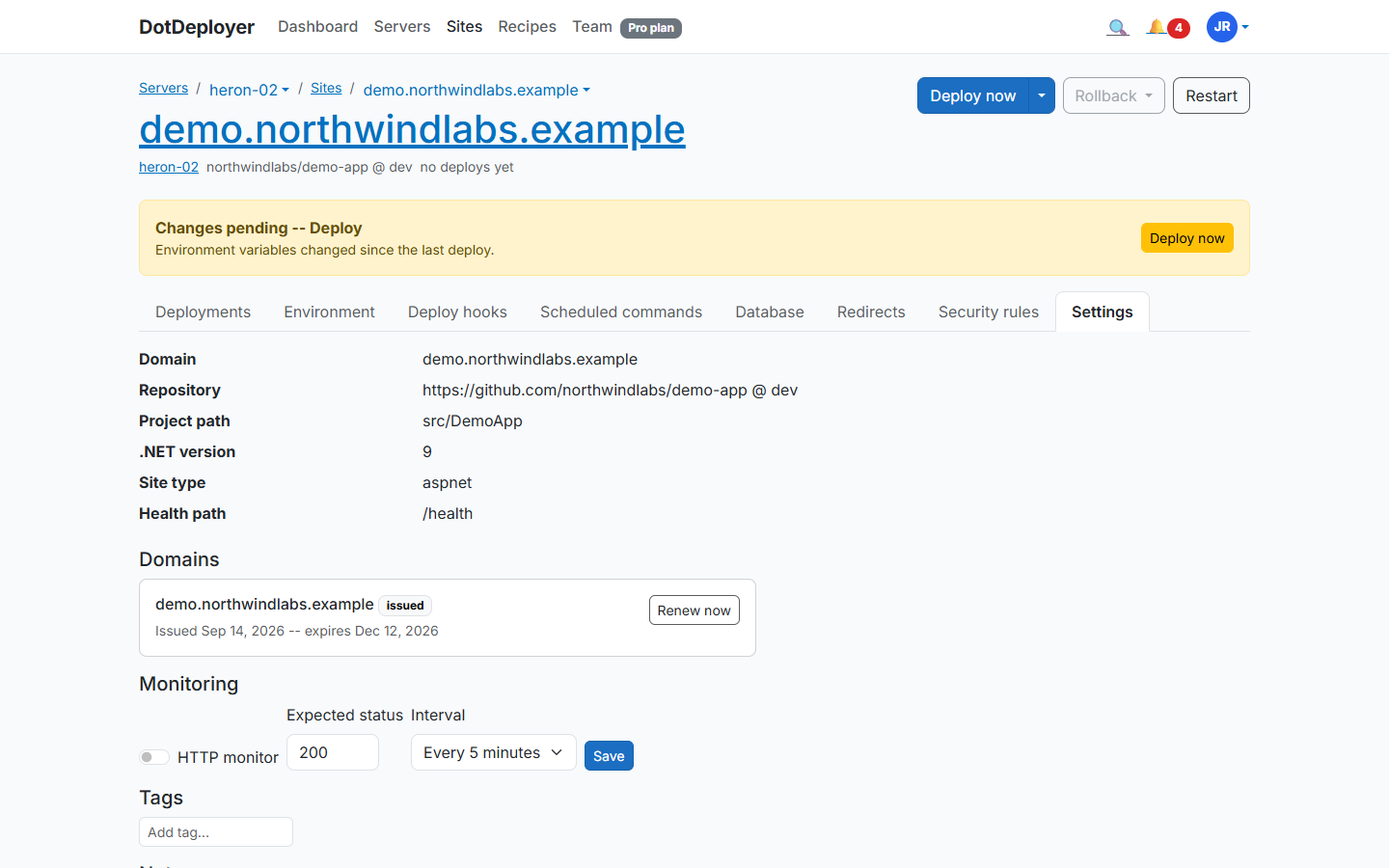
Point an A record at the instance’s external IP, then add the domain under the site’s Settings tab (Domains section). DotDeployer requests a Let’s Encrypt certificate and renews it automatically — a 1 GB
e2-micro handles this fine, since certificate issuance runs once and renewal is a quick
background job.
That IP is reserved with GCP, not just assigned to the instance — point your A record once and it survives a reprovision, so you never have to edit DNS again after a rebuild.
8. What to check
- The site is reachable over HTTPS with a valid certificate.
- The deployment log shows the latest commit as the live release.
- Google Cloud’s own Billing page shows the instance still within the free tier or your trial
credit, especially if you sized up to
e2-smallfor testing. - If you’re still in the 90-day trial when it ends, GCP stops your resources unless you upgrade to
a paid account — decide before day 90 whether you want to keep the box running past the free
e2-micro.